Extending AI Tools with Plugins

Your AI coding assistant doesn't know your team's naming conventions, your deploy process, or that one module nobody should touch without running the integration tests. Here's how to teach it.
In our previous posts, we explored why context engineering is the most important skill for developers working with AI tools, and how Code Mode delivers structural code intelligence efficiently at the protocol level. But there's another side to context engineering that we haven't covered yet: the context you bring.
MCP servers give your AI agent better tools. But tools are only half the equation. The other half is knowledge: your team's conventions, your project's architecture, your workflows, your guardrails. The AI tools you use every day have a growing set of extension points designed to inject exactly this kind of knowledge: instructions, skills, rules, commands, and hooks.
In this post, we'll break down each of these primitives, show practical examples of each, and explain how plugins bundle them into shareable packages that give every engineer on your team the same supercharged AI experience.
Instructions: The Foundation
Every AI coding tool supports some form of project-level instructions, a file that's loaded into the LLM's context at the start of every session. In Claude Code it's CLAUDE.md. In Cursor it's .cursorrules. GitHub Copilot and OpenCode use AGENTS.md. The name varies, but the purpose is identical: tell the agent what it needs to know about this project before it does anything.
Think of instructions as the onboarding doc you'd hand a new developer on their first day. Architecture overview, key conventions, important gotchas, tool policies. Everything the agent needs to be productive without asking you to repeat yourself every session.
What makes good instructions
The best instruction files are concise and specific. They focus on what the LLM can't discover on its own. Here's the key insight: anything the agent can figure out by reading files or running commands doesn't belong in your instructions. It's wasted context.
Don't do this:
## Project Structure
- src/
  - components/
    - Button.tsx
    - Modal.tsx
    - Header.tsx
  - services/
    - auth.service.ts
    - payment.service.ts
  - utils/
    - format.ts
    - validate.ts
Your agent can run ls. Listing your file tree verbatim burns tokens on information that's one command away and goes stale the moment someone adds a file.
Do this instead:
## Architecture
Next.js 15 App Router with Prisma on Postgres. Clerk for auth,
Stripe for billing, Trigger.dev for background jobs. All API
route handlers return a standard { data, error } envelope.

## Conventions
- Strict TypeScript, no `any`
- Zod validation on all route inputs
- Server Components by default — 'use client' only when a
  component needs hooks or browser APIs
- Tests colocate under __tests__/ next to the file under test
This tells the agent things it would otherwise have to piece together from reading dozens of files: the overall shape of the system, the patterns that aren't obvious from a single file, the conventions that matter. Dense, high-signal context.

Keep instructions focused
Resist the urge to stuff everything into your instruction file. Detailed restrictions belong in rules. Complex workflows belong in commands. Domain-specific knowledge belongs in skills. Your instruction file is the foundation, not the entire building. Use it to orient the agent, and let the other primitives carry the specialized weight.
Skills: On-Demand Knowledge
Instructions are always-on. Every token in your instruction file enters the context window for every session, whether it's relevant or not. Skills solve this by loading specialized knowledge only when it's needed.
A skill is a chunk of bespoke knowledge or workflow guidance that's triggered either by keywords in the conversation or by explicit invocation. The agent loads the skill's content into context when it's relevant and ignores it otherwise. This is context engineering in practice: the right information at the right time, not all the information all the time.
Example: Branding guidelines
Here's a universal example that applies to any team with a design system. Say your company has specific brand colors, typography, spacing rules, and component patterns. Without a skill, every developer either pastes the brand guide into their prompt, hopes the agent remembers from a previous session (it won't), or just lets the AI pick whatever looks good and fixes it later.
With a skill, you encode it once:
---
name: branding-guidelines
description: >
  Use when creating or modifying UI components, pages, or styling.
  Ensures consistent brand identity across all interfaces.
---

## Brand Colors
- Primary: #6366F1 (Indigo 500)
- Surface: #1E1B2E (Dark purple-gray)
- Text: #E2E8F0 (Slate 200)
- Accent: #22D3EE (Cyan 400)

## Typography
- Headings: Space Grotesk, 600 weight
- Body: Inter, 400 weight
- Code: JetBrains Mono

## Component Patterns
- Cards: 1px border with rgba(255,255,255,0.06), rounded-xl
- Buttons: Primary uses gradient from Indigo 500 to Indigo 600
- All interactive elements need hover and focus states
The description field is the trigger. When the agent detects it's working on UI or styling, it loads this skill automatically. A developer can also invoke it explicitly: "use the branding-guidelines skill for this component."
The result: consistent brand execution across every AI-assisted coding session, without burning tokens on color codes during a database migration.
Why not just put this in instructions?
Because most of your sessions don't involve UI work. If your branding guide is 200 tokens and you run 50 sessions a week, that's 10,000 tokens spent on color definitions during backend refactors, infrastructure changes, and test writing where they're completely irrelevant. Skills let you skip that tax.
Rules: Scoped Guardrails
Rules define constraints that the AI agent must follow. Where instructions are guidance ("here's how we do things"), rules are guardrails ("you must do this" or "never do that"). And critically, rules can be scoped: applied broadly to the entire project, or granularly to specific paths, file extensions, or individual files.
Broad rules
A project-wide rule might enforce your team's commit conventions or testing requirements:
---
description: Enforced across the entire project
---

All new service methods must have corresponding unit tests.
Never commit directly to the main branch.
Scoped rules
This is where rules get powerful. A rule with a globs pattern applies only to matching files:
---
description: Authorization enforcement for API route handlers
globs: app/api/**/route.ts
---

Every route handler must call requireRole() from lib/auth/rbac.ts
before returning data. Use the permission constants exported from
that file. No unguarded endpoints in the API surface.
This rule activates only when the agent is working on route handlers in the API directory. It doesn't clutter context when the agent is editing a React component or a utility function. And because it's a rule, not a suggestion in a general instruction file, the agent treats it as a hard constraint.
Rules vs. instructions
The distinction matters for how the LLM interprets them. Instructions say "here's how things work around here." Rules say "you must do this or you must not do that." The former provides context; the latter sets boundaries. Both are important, but conflating them dilutes the signal of each.
Commands: Workflow Orchestration
Commands are custom slash-command triggers that kick off defined processes or workflows. If instructions are what the agent knows, and rules are what the agent must follow, commands are what the agent can do.
The simplest commands are shortcuts for common tasks. A /review command might trigger a structured code review workflow. A /commit command might enforce your team's commit message format and run pre-commit checks. These save time, but the real power shows up in multi-stage orchestrated workflows.
Building complex workflows
Consider the challenge of working a development ticket from start to finish. A developer typically: reads the ticket, creates a branch, writes a plan, updates the ticket status, implements the changes, gets a code review, addresses feedback, runs final verification, creates a PR, and updates the ticket status again.
Each of those steps is straightforward. Orchestrating all of them in sequence, with the right context flowing between stages, is where the overhead lives. A command can encode this entire workflow:
/work-ticket PROJ-1234
One invocation. The command handles ticket discovery, branch setup, planning, implementation, review coordination, and PR creation. The developer reviews the output and merges the result.
We've been running a workflow like this internally, and we'll do a deep dive on it in a future post. For now, the takeaway is this: commands let you encode institutional knowledge about how work gets done on your team, not just what the codebase looks like.
Hooks: The Immune System
Hooks are event-driven scripts that execute in response to specific actions: before or after a tool call, on session start, or at other trigger points. Where rules tell the agent what it should do, hooks enforce what actually happens at the system level.
Safety hooks
A pre-tool-use hook can intercept dangerous operations before they execute:
{
  "hooks": {
    "PreToolUse": [
      {
        "matcher": "Bash",
        "hook": "scripts/validate-command.sh",
        "description": "Block destructive operations"
      }
    ]
  }
}
The validation script might block rm -rf on protected directories, prevent git push --force to main, or reject commands that modify production infrastructure. The agent never has to "remember" these restrictions. The hook enforces them at the execution layer regardless of what's in context.
Automation hooks
Post-tool-use hooks automate the tedious parts of your workflow:
{
  "hooks": {
    "PostToolUse": [
      {
        "matcher": "Edit",
        "hook": "scripts/auto-format.sh",
        "description": "Run formatter after file edits"
      }
    ]
  }
}
Every time the agent edits a file, the formatter runs automatically. No "please run prettier" reminders. No style drift in AI-generated code. The workflow just handles it.
Why hooks matter
Instructions, skills, and rules all operate within the LLM's context window. They influence the model's behavior by shaping what it "thinks about." Hooks operate outside the context window, at the system level. This makes them the most reliable enforcement mechanism you have. The agent can't accidentally ignore a hook the way it might miss a rule buried in a long context.
Think of hooks as your AI workflow's immune system: always running, always watching, catching problems before they cause damage.
Plugins: Bundling It All Together
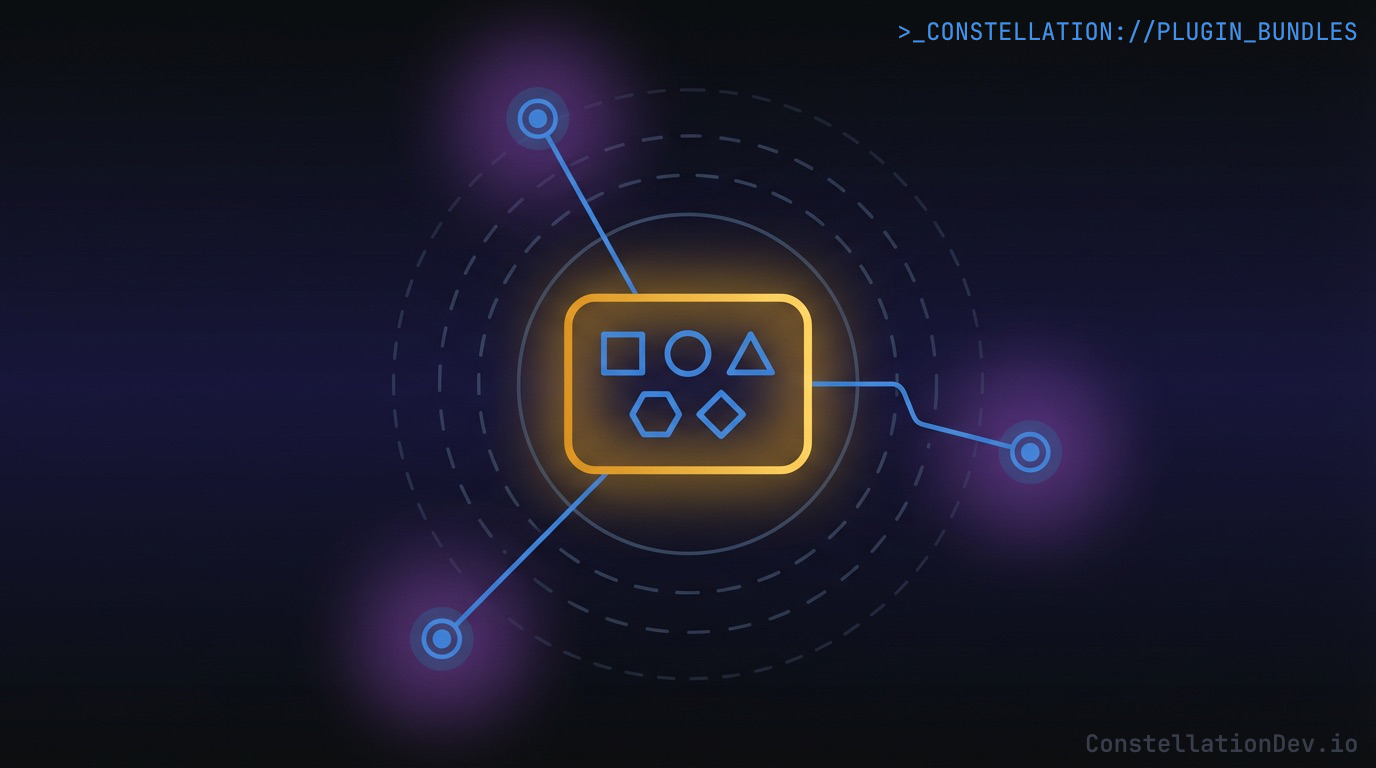
Each of these primitives (instructions, skills, rules, commands, hooks) is useful on its own. But the real leverage comes from bundling them into plugins: distributable packages that give an AI coding tool a complete set of capabilities for a specific domain or workflow.
A plugin for your team's project might include:
- Instructions defining your architecture and conventions
- Skills for your design system, API patterns, and deployment procedures
- Rules enforcing security requirements, testing standards, and code style
- Commands for your team's workflows: ticket management, release processes, code review
- Hooks for safety guardrails and automated quality checks
Package it once, distribute it to the team, and every engineer's AI assistant operates with the same knowledge, the same guardrails, and the same capabilities. No more "works on my machine" for AI context. It's version-controlled and shared like any other development tool.
The ecosystem landscape
The exciting part is that these concepts are converging across the AI coding tool ecosystem. The terminology differs, but the underlying primitives map cleanly:
| Concept | Claude Code | Cursor | Copilot | OpenCode |
|---|---|---|---|---|
| Instructions | CLAUDE.md | .cursorrules | AGENTS.md | AGENTS.md |
| Skills | skills/ | - | - | skills/ |
| Rules | .claude/rules/ | .cursor/rules/ | - | - |
| Commands | commands/ | - | - | commands/ |
| Hooks | settings.json | - | - | hooks/ |
| Plugins | .claude/plugins/ | Extensions | Extensions | plugins/ |
Not every tool supports every primitive today. But the trajectory is clear: AI coding tools are evolving from standalone assistants into extensible platforms. Instructions came first because they're the simplest primitive. Skills, rules, commands, and hooks add layers of sophistication. Plugins package them for distribution.
The tools that embrace this extensibility model will win, because the teams building on top of them can encode their entire engineering culture into something their AI assistants actually understand and follow.
The Bottom Line
AI coding tools are powerful out of the box. But "out of the box" means generic. The developers and teams getting the most value from these tools aren't just using them. They're extending them.
Instructions give the agent foundational project knowledge. Skills load specialized context on demand. Rules enforce guardrails at the right scope. Commands orchestrate multi-step workflows. Hooks provide system-level safety and automation. And plugins bundle all of it into shareable, version-controlled packages.
This is context engineering applied at the team level. Not just managing what goes into the context window for a single session, but systematically encoding your team's knowledge, conventions, and workflows so that every AI-assisted session starts from a position of understanding rather than ignorance.
The AI assistant that knows your codebase is useful. The one that knows your codebase and your team's way of working? That's the one that changes how fast you ship.
At ShiftinBits we're building Constellation, the shared code intelligence layer for AI coding agents. Constellation maintains a team-wide knowledge graph of your codebase and exposes it to tools like Claude Code, Cursor, GitHub Copilot, and Windsurf via the Model Context Protocol (MCP), giving them structural understanding of your code with symbol-level search, dependency graphs, impact analysis, and more.
If you're building with AI coding tools and want to see what your agents can do with real code intelligence, check out Constellation. For a limited time, we're giving early adopters 50% off with the promo code ROOTNODE50.